
Introduction:
In this blog-post, we’ll see what you can do when the Excel data mining add-in disappears.
Steps:
1. What happened?
So I have installed the Excel Data Mining add-in.
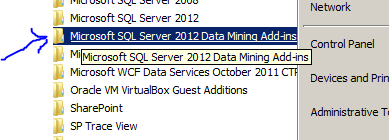
But I do not see the Data Mining Tab in Excel:

2) So Now what?
I searched and found this. and got it working for the software versions (Excel 2010, SQL Server 2012) that I had and so I am documenting it here.
3) Logged in as Administrator > Office button > Options > Add-Ins > Do you see the Data Mining add-in Disabled?
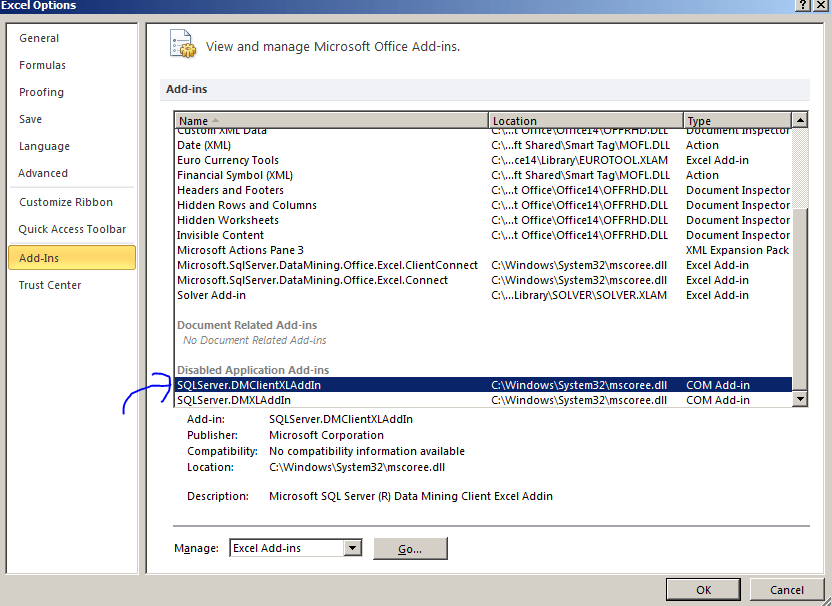
4) Select Disabled Items in the Manage > click GO

5) Click on the data Mining add-in and enable it. > Click close > Click OK
6) Re-open Excel. Can you see it now? Yes? Yay!
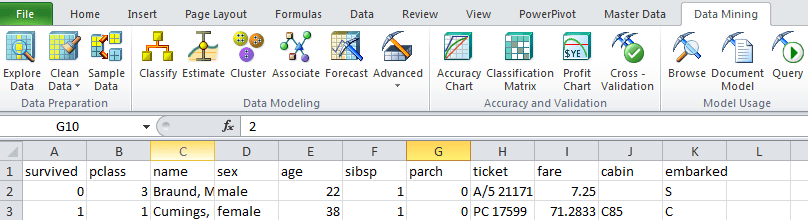
That’s about it for this post.
Conclusion:
In this blog-post, we saw how to enable the data mining excel add-in.
Related articles
How to enable Data Mining in EXCEL powered by SQL Server Analysis Services? (parasdoshi.com)
Excel data Mining in Action: Forecasting Twitter Followers for next week (parasdoshi.com)
Machine Learning VS. Data Mining (parasdoshi.com)