
Problem:
You have your SQL Server Reporting Services environment in native mode — and you want to modify the data source of a report there.
Solution:
Navigate to Report Manager.
Navigate to the Report that you want to Manage and run it
After the report renders, you will have a breadcrumb navigation on the top right
Click on the Last Part of the Breadcrumb Navigation
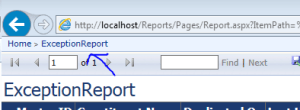
It should open up the “properties” section of this report
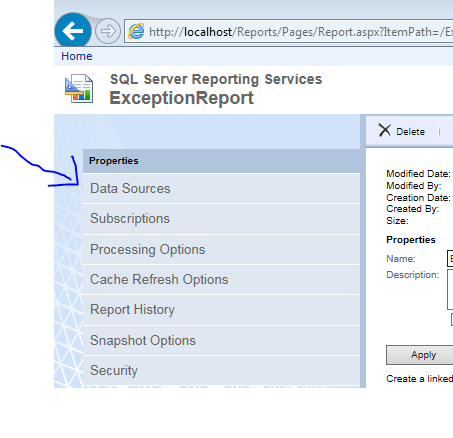
On the properties section, you should be able to manage the data source
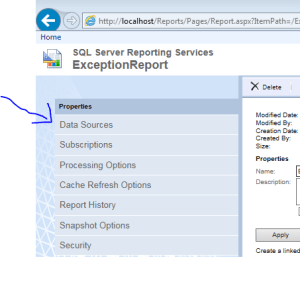
Make the changes that you wanted to the data source settings of this SSRS report — and don’t forget to click “apply”
Done!

Author: Paras Doshi